How to setup Database Mail in Microsoft SQL Server 2008 R2.
- Enable and configure Email
- Create Profile and Account
- Configure Email.
USE master
GO
EXEC sp_configure ‘show advanced’, 1
GO
RECONFIGURE
GO
EXEC sp_configure ‘Database Mail XPs’, 1
GO
RECONFIGURE WITH OVERRIDE
GO
1. Open SQL Server Management Studio –>Expand Management Node —> Right click Database Mail —> Select Configure Database Mail.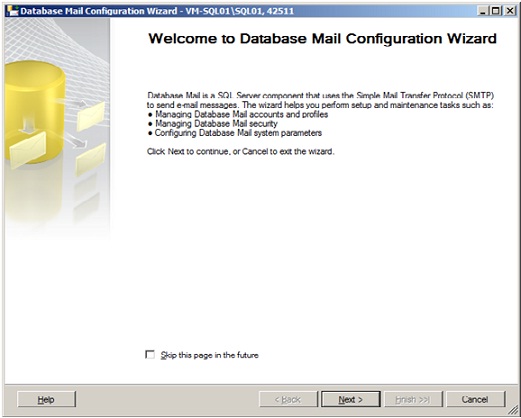
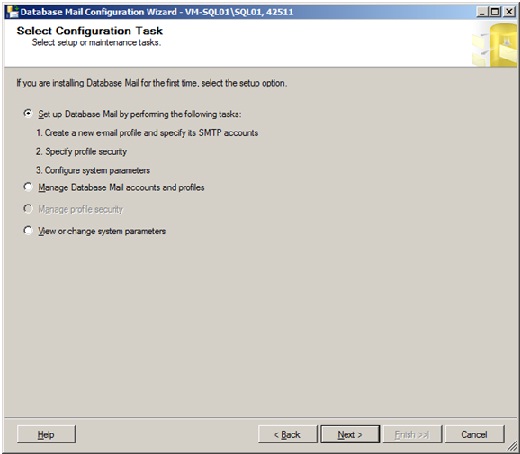
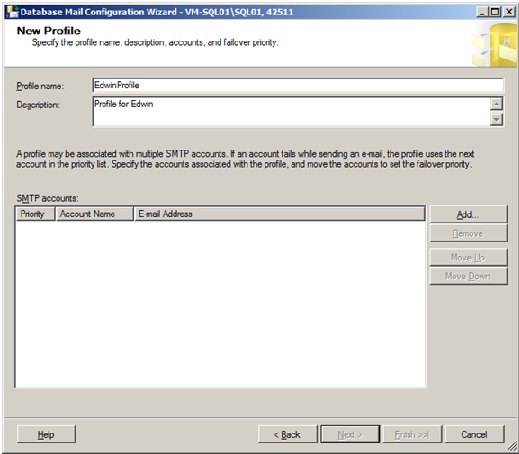
Click Add
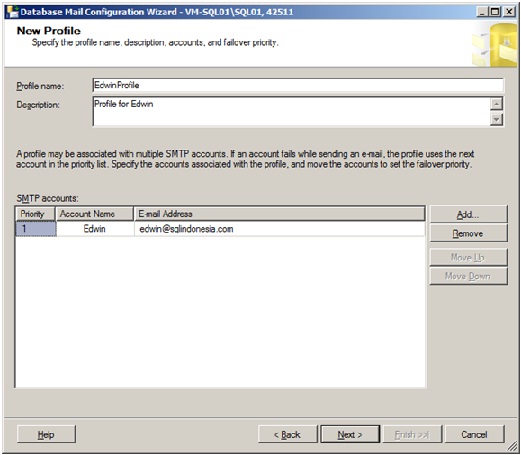
Click Next
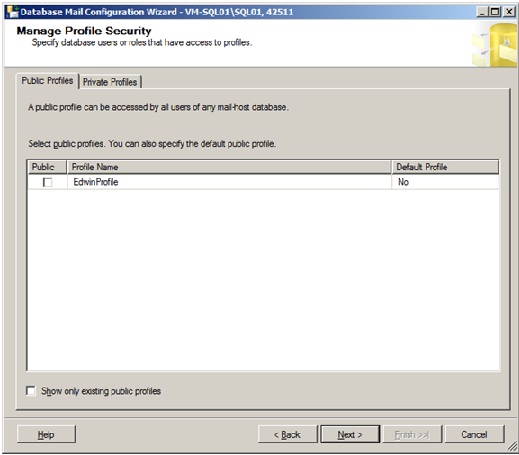
Click Next
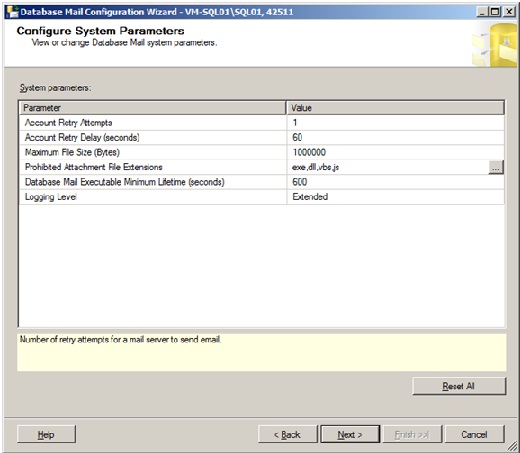
Click Next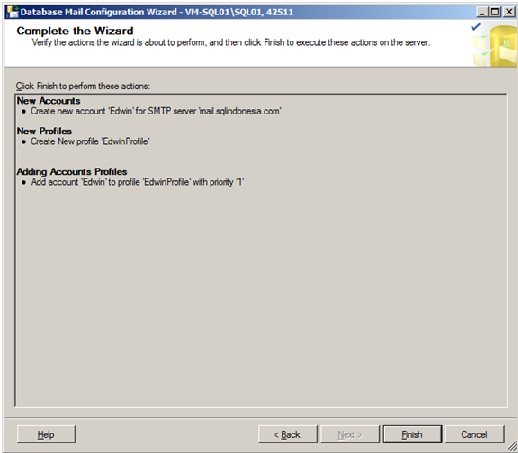
Click Finish to complete the setup
 SQL INDONESIA
Leave a comment